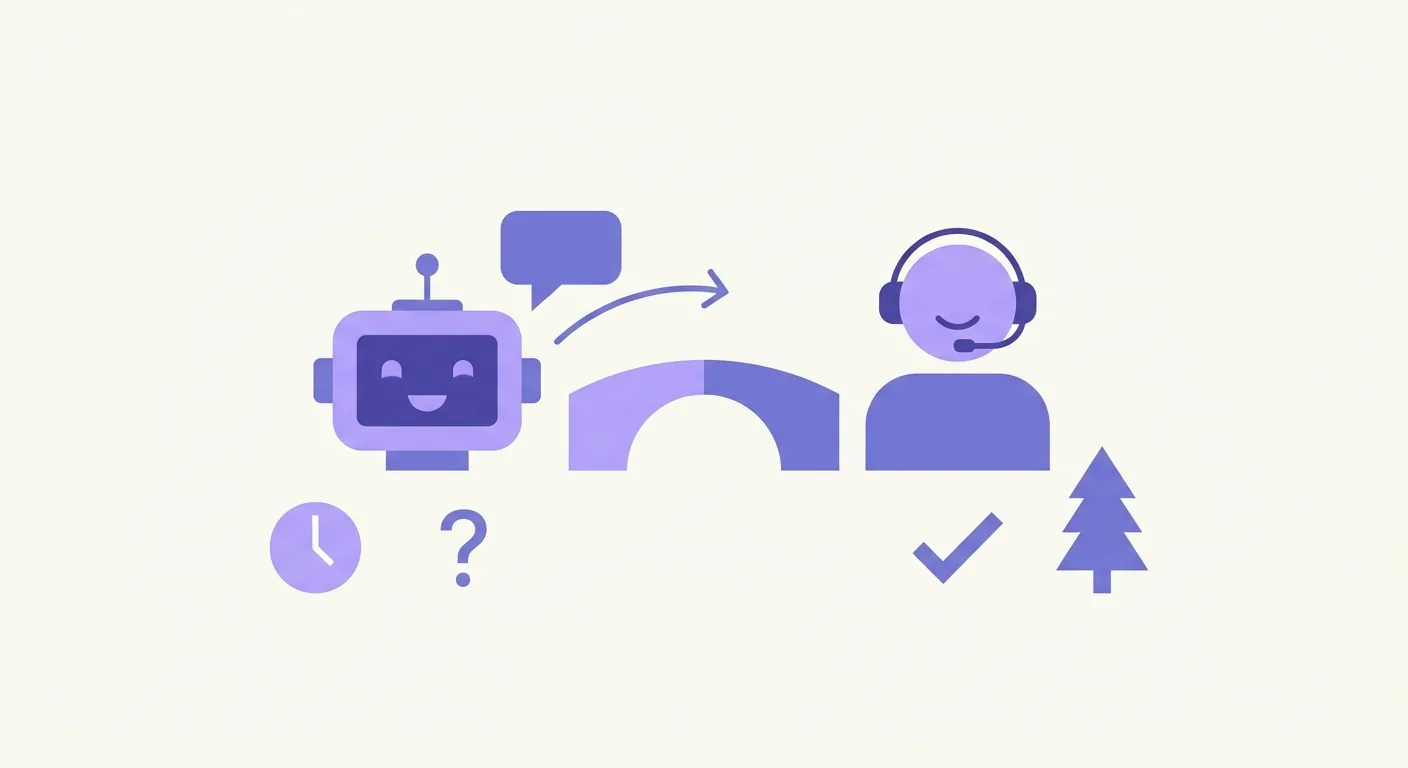
A seamless chatbot human handoff occurs when an AI assistant resolves routine queries instantly and passes complex issues to a live agent without losing context or forcing the customer to repeat themselves. For companies in Finland, mastering this transition is critical to balancing operational efficiency with the high-touch, bilingual service local buyers expect. By combining automated speed with human empathy, businesses build a highly responsive hybrid customer support model that keeps customers happy and support costs low.
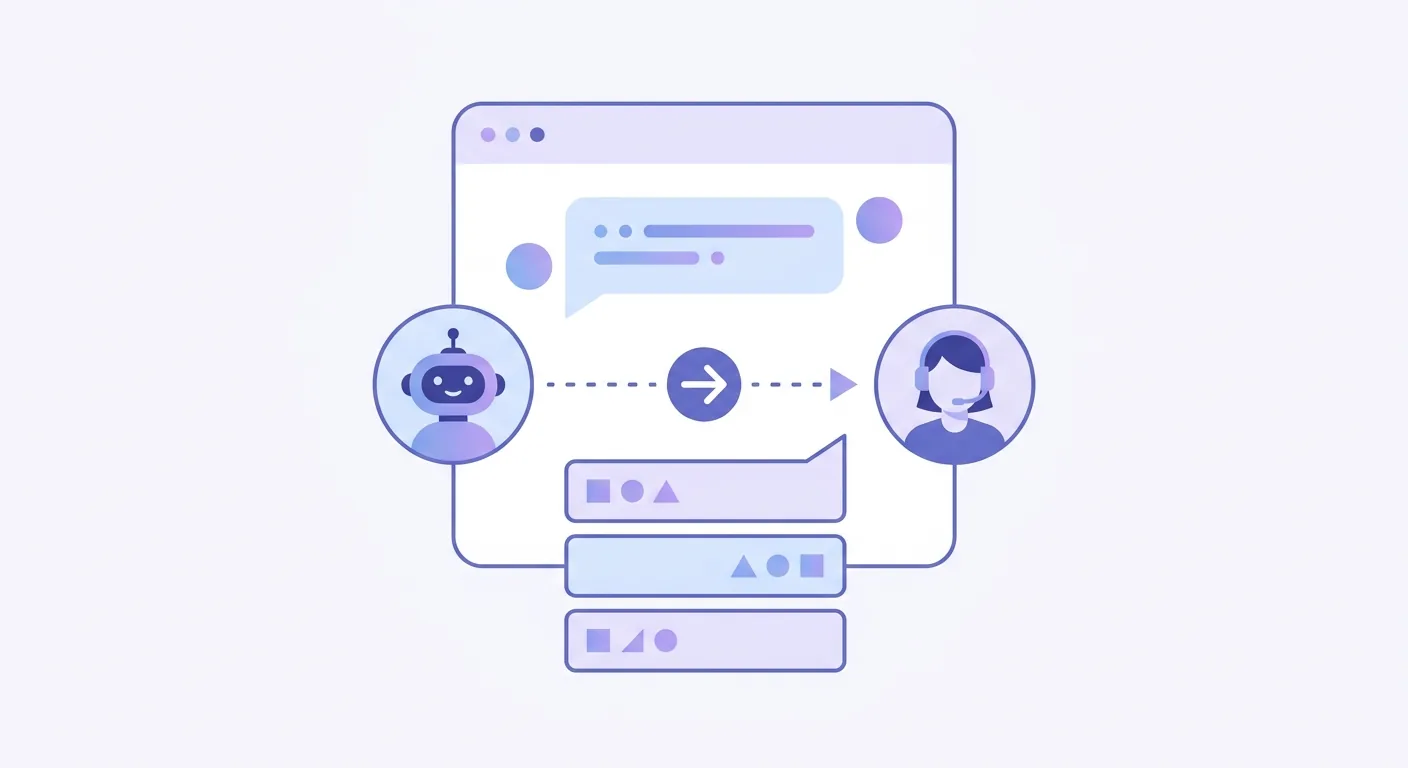
Defining the Perfect Hybrid Customer Support Model
Customer service in Finland is undergoing a quiet shift. Finnish consumers value directness, speed, and privacy. They do not want to wade through bloated phone menus, but they also reject robotic, unhelpful automated loops.
A hybrid customer support model solves this dilemma. It allocates tasks based on complexity and emotional weight.
- The AI Assistant handles high-volume, repetitive queries. It processes tracking numbers, explains return policies, and answers basic product availability questions in real time.
- The Human Agent steps in for nuanced negotiations, complex technical troubleshooting, and high-value sales conversations where building trust is essential.
In a bilingual business environment—where support teams regularly switch between Finnish and English—this division of labor keeps response times low. When you deploy a smart system, your team stops answering the same ten questions every day. Instead, they focus on deep, meaningful problem-solving. To understand what this looks like in practice, explore our guide on AI Chatbot Finnish Customer Service: What to Expect.
Essential Chatbot Human Handoff Best Practices for Finnish Businesses
Implementing a successful transition requires planning. If the handoff is clunky, the customer experience breaks. Here are the core chatbot human handoff best practices that modern teams use to keep their customer satisfaction (CSAT) scores high.
Using a platform like xbot makes executing these practices simple. It provides 24/7 availability and instant bilingual support in Finnish and English from day one, acting as your first line of defense before routing complex cases to your human team.
Maintaining Full Context During Live Agent Escalation Chatbot Transitions
Nothing frustrates a customer more than repeating their issue. If a user explains their problem to a bot, the human agent who takes over must see that entire conversation history.
An effective live agent escalation chatbot automatically packages the transcript, user details, and any collected data (like an order number or business ID) and delivers it directly to the agent's screen. The human agent should open the chat, read the summary in five seconds, and greet the customer with: "Hei Ville, I see you are having trouble with your invoice payment. Let me look at that for you right now."
Setting Clear Expectations Regarding Wait Times
Transparency builds trust. If a customer needs to speak with a human, tell them exactly what to expect.
- During Business Hours: If your average queue time is three minutes, display it. "We are connecting you to an agent. Current wait time is approximately 3 minutes."
- Outside Business Hours: If your support desk is closed, state it clearly. Do not leave the user in a digital limbo. The bot should say: "Our office is closed, but I can take your email address and have our team contact you first thing tomorrow morning."
Defining Clear Triggers for Human Intervention
Your AI should not hold onto a conversation it cannot resolve. You must define clear trigger events that immediately prompt a human fallback:
- Sentiment Analysis Triggers: If the customer uses frustrated language or writes "I want to speak to a human," the bot must capitulate immediately.
- Complexity Triggers: If the user asks a question outside the bot's trained knowledge base twice, trigger the handoff.
- High-Value Triggers: If a visitor on your pricing page asks a highly specific sales question, treat them as a hot lead. Pass them to a sales representative right away. You can learn more about this by reading about How to Automate Sales Questions with a Chatbot to Drive 24/7 Conversions.
| Scenario | Handled By | Action Trigger |
|---|---|---|
| "What are your opening hours?" | AI Chatbot | Instant automated response |
| "How do I return a package?" | AI Chatbot | Provides link to return portal and instructions |
| "My package arrived damaged, and I want a refund." | Human Agent | Sentiment/Keyword trigger transfers to live agent |
| "I want to buy 50 licenses for my team." | Human Agent | High-value lead trigger alerts sales team in Slack |
How to Implement a Seamless Chatbot Handover Without Technical Friction
You do not need an army of software engineers to build a seamless chatbot handover workflow. Modern customer service tools focus on simplicity and ease of use.
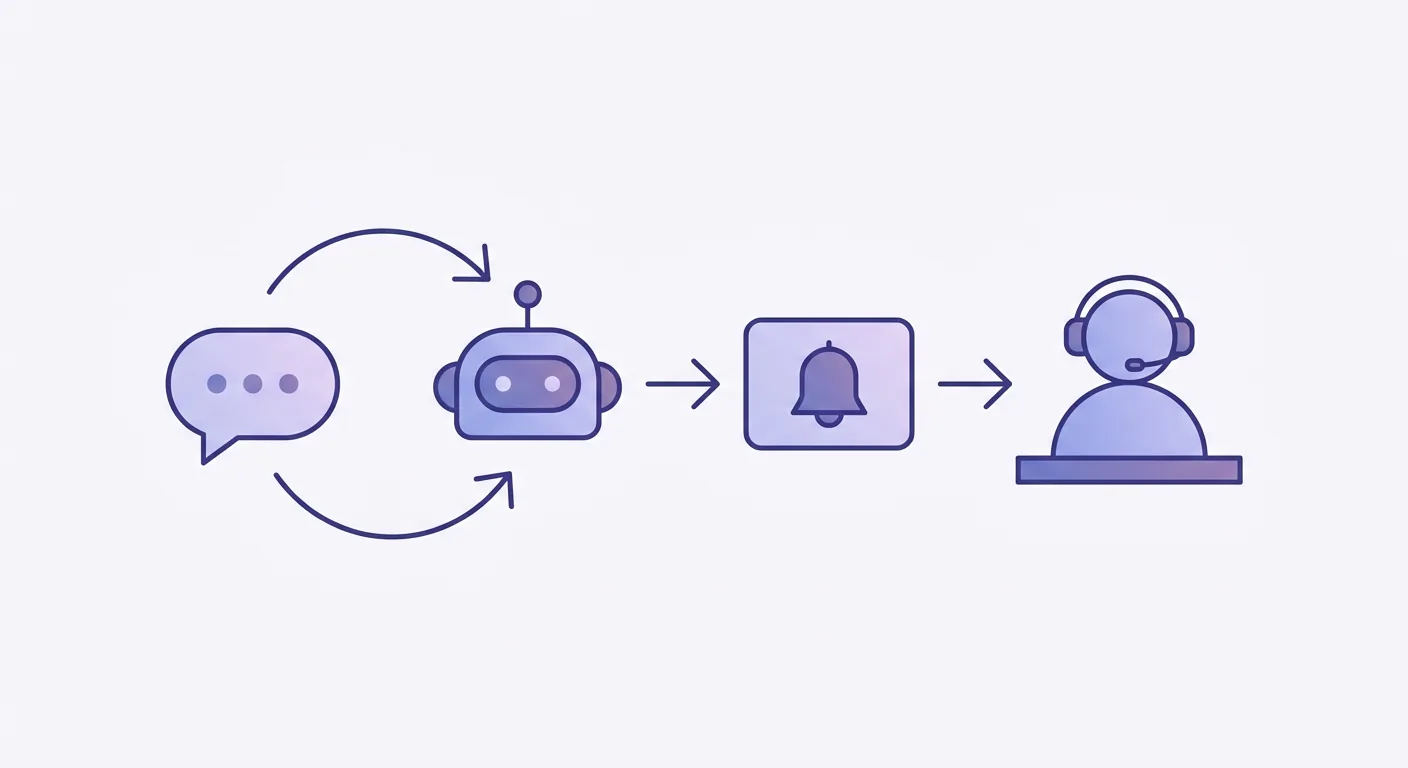
Here is how you can set up a frictionless handover pipeline:
- Identify Your Communication Channels: Determine where your human agents spend their day. Do they use a dedicated live chat tool, an email ticketing system, or internal communication tools like Slack or Microsoft Teams?
- Configure Your Escalation Paths: Set up rules in your chatbot dashboard. For example, when a handoff is triggered, xbot can instantly notify your team or send a webhook to your existing CRM.
- Train Your Chatbot on Your Core Content: A bot can only hand off conversations effectively if it knows its own limits. Keep your bot updated with your latest website content, FAQs, and product details. If you want to see how simple this setup is, check out our guide on How to Train Chatbot on Website Content Without Coding.
- Launch and Iterate: Start with a few simple rules. Monitor the transcripts of early handoffs. If you notice customers are getting stuck on a particular billing question, add that keyword to your automated triggers or expand the bot's training.
Frequently Asked Questions About Chatbot Escalation
When should a chatbot hand over a conversation to a human?
A chatbot should hand over a conversation in three main scenarios: * When it detects user frustration or explicit requests for a human agent. * When the query involves complex, sensitive, or emotional issues (such as contract cancellations or custom technical setups). * When a high-value sales lead is ready to talk terms, making immediate human contact vital for conversion.
How does xbot handle bilingual handoffs in Finnish and English?
xbot detects the language of the incoming query automatically. It responds in the same language, keeping the conversation natural. When a handoff occurs, the bot transfers the entire bilingual transcript to your team. This ensures that your Finnish or English-speaking agents have the exact context they need before they type their first message. To dive deeper into why this matters for local companies, read about Why Your Business Needs a Bilingual Chatbot Finnish English Solution.
Do we need coding skills to set up live agent escalation?
No. With modern tools like xbot, you do not need any coding or software development experience. The system is designed to connect directly with your website and existing communication channels, allowing your support team to manage escalations effortlessly from a simple, intuitive interface.
What happens if an escalation occurs outside of business hours?
When an escalation trigger occurs at night or during weekends, the bot should acknowledge that live agents are offline. It can collect the customer’s contact details, create a support ticket, or offer to schedule a callback for the next business day. This keeps your business responsive 24/7 without requiring your staff to work night shifts. For more strategies on managing round-the-clock inquiries, see Why a 24/7 Customer Support Chatbot is Essential for Your Small Business.
How can we measure the success of our hybrid support model?
Track these key performance indicators (KPIs) to measure your success: * Handoff Rate: The percentage of total chats transferred to humans. A rate that is too high means your bot needs more training; a rate that is too low might mean your bot is trapping users in loops. * Customer Satisfaction (CSAT): Post-chat surveys specifically measuring the handoff experience. * First Contact Resolution (FCR): How often issues are resolved in a single session, whether by the bot or the first agent who takes over.
Elevating Your Customer Experience with Smart Automation
Building trust with Finnish customers requires a balance of speed, accuracy, and human touch. When your automated systems work in harmony with your live support team, you create a seamless experience that respects your customers' time and resolves their problems on the first try.
With xbot, you can deploy a reliable, 24/7 bilingual support system that integrates into your current workflow without any technical friction. Let your AI handle the routine, so your team can focus on what they do best.